

Send Us mail
Fixera offers full range of Handyman services for all household & industry
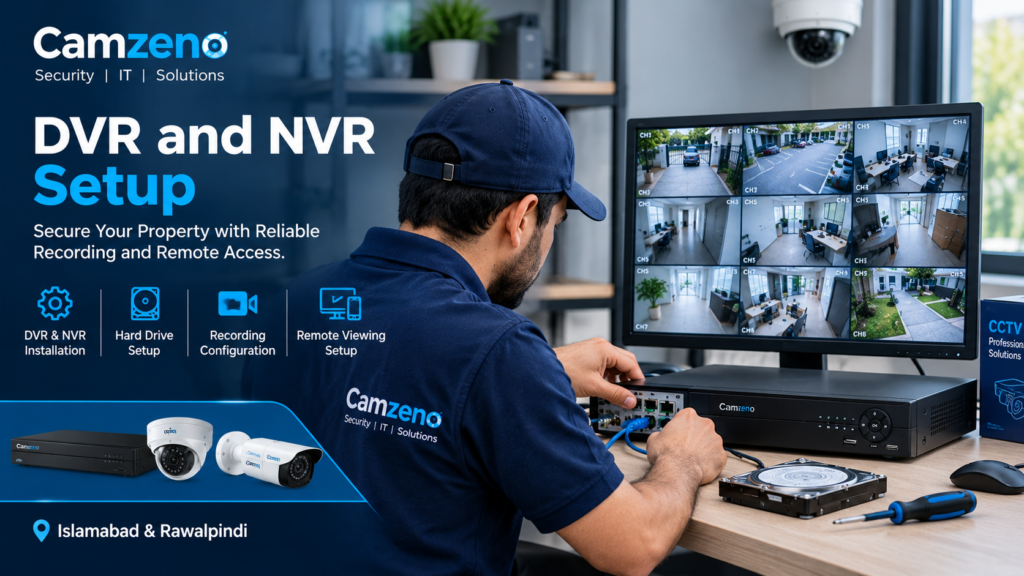
DVR and NVR Setup in Islamabad & Rawalpindi
A reliable CCTV system needs more than cameras. It also needs the right recording device to capture, store, and manage security footage. At Camzeno, we provide professional DVR and NVR setup in Islamabad and Rawalpindi to help homeowners and businesses monitor their properties and keep important recordings accessible.
Whether you have an analogue CCTV system or modern IP cameras, our team can help configure your recording equipment, connect cameras, set up storage, and enable remote viewing where supported.
Professional DVR and NVR Installation Services
Camzeno provides DVR and NVR configuration for new CCTV installations, existing surveillance systems, and recording equipment upgrades. We help you select and configure a suitable recorder according to your camera type, channel requirements, storage needs, and monitoring preferences.
Our services include:
- DVR installation and configuration
- NVR installation for IP camera systems
- CCTV camera connection and channel configuration
- Hard drive installation and recording settings
- Continuous and motion-based recording setup
- Live view and playback configuration
- Remote viewing setup on mobile phones and computers
- Network configuration for compatible systems
- Recording schedule and date-and-time settings
- Troubleshooting recording and connectivity issues
What Is a DVR System?
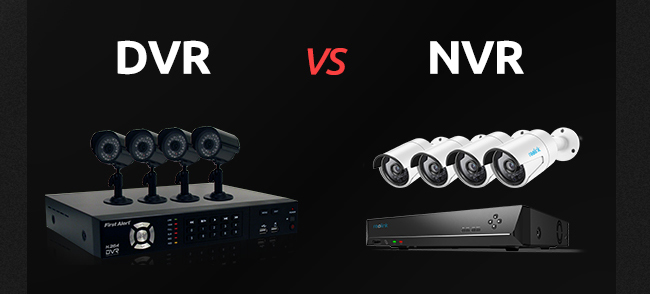
A Digital Video Recorder (DVR) is commonly used with analogue CCTV cameras. It receives video signals through compatible connections, processes the footage, and stores recordings on an installed hard drive.
DVR systems are suitable for homes, shops, offices, and other properties using compatible analogue or HD-over-coaxial cameras.
DVR setup may include:
- Connecting compatible cameras to the recorder
- Configuring recording resolution and schedules
- Installing and checking the storage drive
- Setting up playback and backup options
- Enabling remote access where supported
What Is an NVR System?
A Network Video Recorder (NVR) is designed for IP-based CCTV systems. It records video received over a network and can support features such as higher-resolution footage, smart detection, and advanced camera settings, depending on the equipment.
NVR systems are commonly used in homes, offices, commercial buildings, warehouses, and industrial properties.
NVR setup may include:
- Connecting compatible IP cameras to the network
- Adding cameras to the recorder
- Configuring IP addresses and network settings
- Setting recording schedules and video quality
- Installing and configuring storage
- Enabling remote viewing and playback
Our DVR and NVR Setup Process
DVR and NVR Setup for Homes and Businesses
Camzeno offers recording system configuration for different property types in Islamabad and Rawalpindi.
The final configuration depends on the camera system, recorder capacity, network conditions, and available storage.
Hard Drive and CCTV Recording Configuration
footage when you need it. Camzeno can install or configure compatible hard drives and adjust recording settings to suit your security requirements.
We can help with:
- Hard drive installation and status checks
- Recording duration and storage planning
- Continuous or motion-triggered recording
- Playback and footage search
- Video backup options supported by your device
- Troubleshooting missing recordings or storage errors
Actual recording duration depends on hard drive capacity, camera resolution, frame rate, compression, recording mode, and the number of connected cameras.
Why Choose Camzeno for DVR and NVR Setup?
Frequently Asked Questions
What is the difference between DVR and NVR?
Can you set up remote CCTV viewing on my phone?
Why is my DVR or NVR not recording?
Can I use my existing CCTV cameras with a new recorder?
DVR and NVR Setup in Islamabad & Rawalpindi
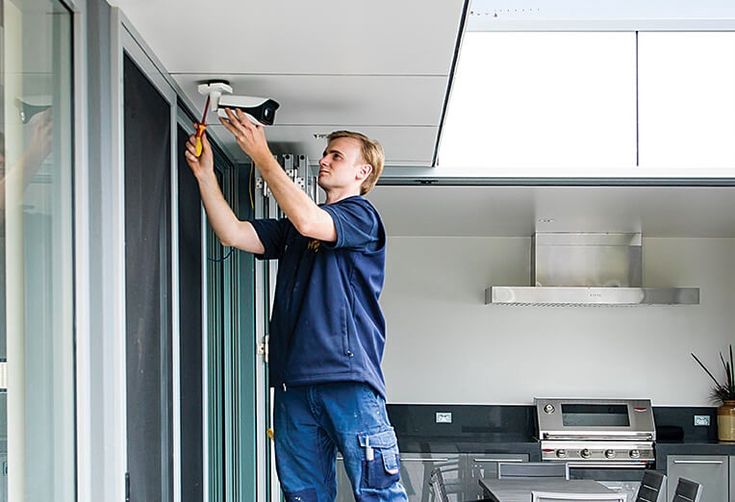
If your CCTV recorder is not recording properly, your cameras are not appearing on the screen, or you need a new DVR or NVR installed, Camzeno can help you configure your system.
Contact Camzeno to discuss your CCTV setup, camera count, recording requirements, and remote monitoring needs. We will help you identify a suitable solution for your property.